

Travelling to South Korea has never been simpler thanks to all the free smartphone apps available – from translation to transportation, weather to walks, South Korean phone apps when travelling make life so much easier.
Whether using a SIM card, eSIM or the superfast WiFi network in Korea, most of the information you need is available in the palm of your hand.
This post may contain affiliate links to tours and hotels. These help us earn a small commission at no additional charge to you.

Having apps specifically for South Korea is always a good idea – for instance, did you know South Korea is the only place in the world where Google Maps cannot show walking distances?
From must-have essential Korean travel apps like Kakao to some more random suggestions, this is our guide to the best South Korea apps for your travels.
This article was originally published on cktravels.com on 6 April 2025.
You might like – Our guide to the top 40 things to do in South Korea >
South Korea checklist
We love using agoda.com, expedia.com and booking.com for researching and booking all our hotels, and Hostelworld for booking hostels.
For booking tours, transfers and SIM cards we recommend Get Your Guide, Viator, Trazy or Klook.
For booking rental cars visit Discover Cars. For private drivers and taxis, check out our Transfer guide >
Find safe storage spaces across South Korea with Bounce (and get 5% discount).
Check out our South Korea travel booking resources >
All set for South Korea? Do one final check with our Seoul first timers guide and our South Korea packing list
Using your phone in South Korea
If you are travelling in South Korea and want to use your phone, you’ll likely need to consider a SIM or eSIM (unless your home provider offers a competitive roaming package).
SIM cards and eSIMs are available to purchase from most major Korean airports including Incheon and Busan airports. If you wish you can pre-book your SIM on Klook for a small discount or you can buy at the airport if you are arriving at a reasonable time.

Wi-Fi routers in South Korea are also available to hire from Trazy from as little as £1.70 a day / $2 USD / 2 Euros) or Klook.
If you wish to have data as soon as you land, then we recommend MobiMatter for purchasing cheap eSIMs. You can use the code CAROL86604 to receive cashback on your first purchase.

Alternatively, a lot of people in our South Korea Travel Tips Facebook Group also recommend Airalo and Yesim.
Check out our guide to South Korean SIM cards and eSIM packages >
Incidentally, South Korea’s crime rates are very very low compared to other countries – we’ve even seen people leave their keys, phones and laptops on tables in restaurants whilst going to the toilet or getting food. So just use common sense and be sensible in overly crowded places like Seoul and Busan.
Join our Facebook South Korea Travel Planning and Tips Group!
Need help with your itinerary or have any South Korea related questions? Head on over to our friendly and active Facebook group with over 185,000 members!
Click here to join our group >
Or if you just want to see more of our South Korea photos, follow our South Korea Facebook page >
The most popular Korean apps
As of Q1 2026, these are the top 5 Korean apps by users:
- Coupang and Coupang Eats – combined total of 46 million users
- Karrot* (buy and sell for locals) – 23 million users
- Baemin – 22 million users
- Ably* – 10 million users
- Olive Young – 9 million users
*Not suitable for foreigners as Korean identification details are required
Essential South Korea apps
Below is a guide to the best South Korea apps / general travel apps to download before you arrive or when you first get to the airport (yes, there is usually super speedy free WiFi at the airports – even on some trains too).
Travel in South Korea Apps
1. Seoul Subway Official app
To see which is the quickest and best route for you – this is the best Seoul app for planning your journeys and day trips from Seoul.
Backed by Seoul Metropolitan Government, this Seoul Subway app is aimed at foreigners offering real-time timetables, location-based guidance, and station directions.
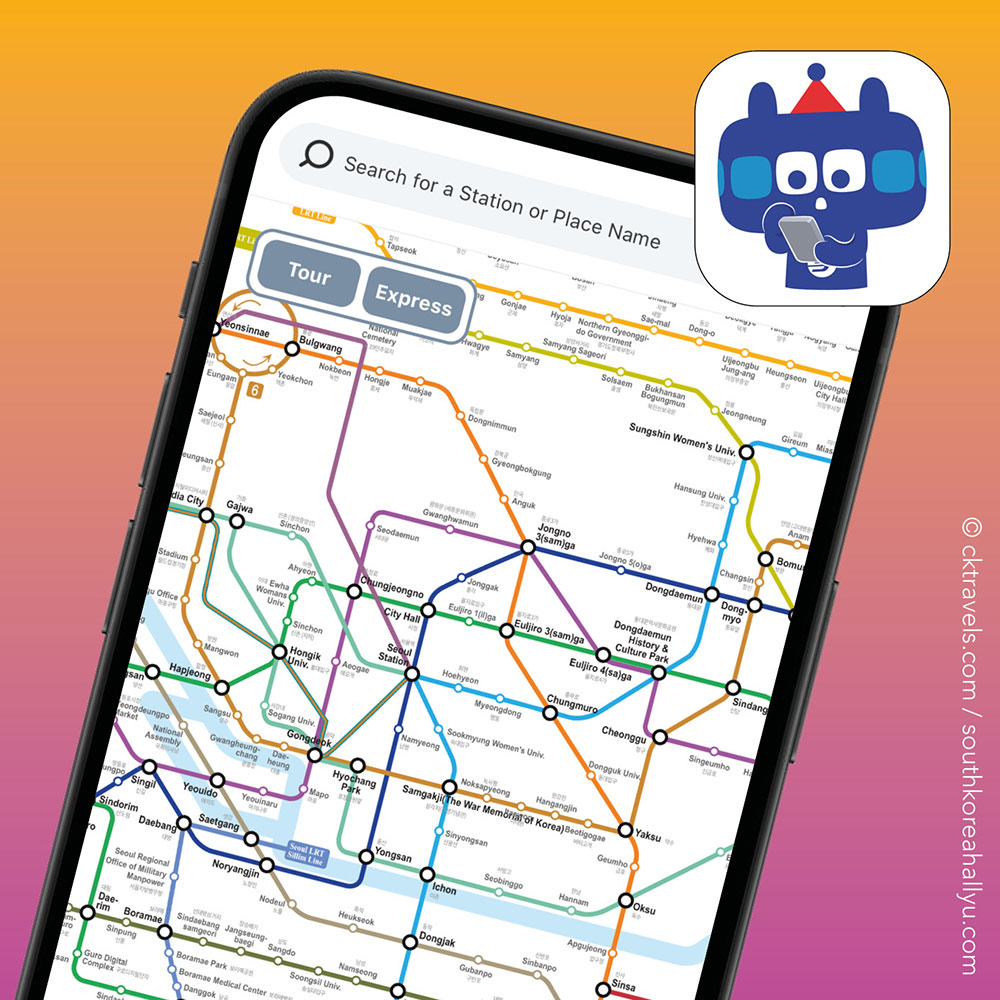
Another feature of the Seoul Subway app is that if you get on the wrong train (which is easier than you think), it alerts you to say you are going in the wrong direction.
It also includes where to find toilets / restrooms on the Seoul subway system plus an indicator of how busy carriages are.
Download app links: Apple (iOS)|Android
2. Subway Korea
An alternative to the official Seoul Subway Official app, this also includes Subway routes and planning for other Korean cities including Busan, Daegu, Gwangju and Daejeon.
All Subway information is in real-time and the app is available in English, Chinese, Korean and Japanese.
Download app links: Apple (iOS)|Android

3. Naver Maps
The best map app to use in South Korea, Naver is your one stop map and transport app to use and download.

Many of the Naver Map locations have English and Korean descriptions but there are limitations to the app so sometimes you will see just Korean.
This is also a really useful Korean app to look at restaurant reviews and make table reservations.
Download app links: Apple (iOS)|Android
4. Google Maps
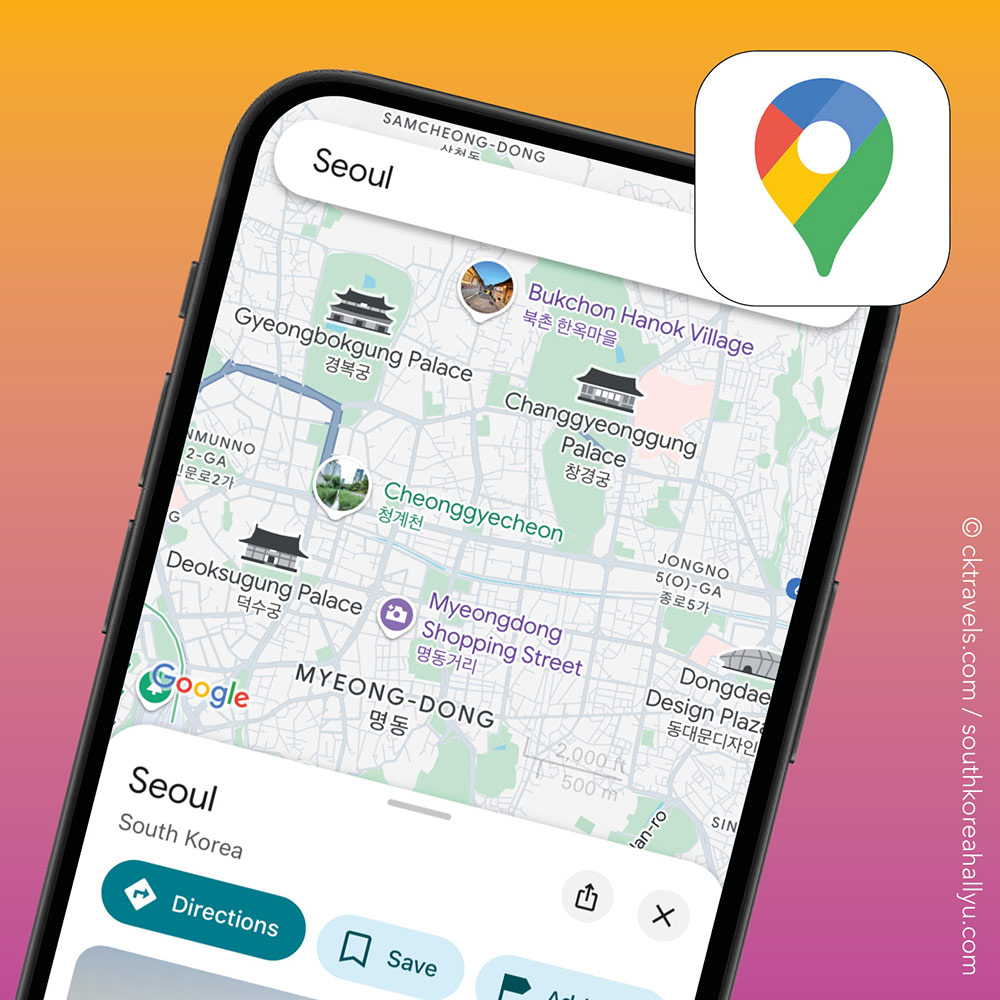
This doesn’t need much of an introduction but Google Maps is great when using public transport outside of Seoul or Busan – it saves you having to download all the regional Korean transport company apps.
That said, just remember that walking routes / distances are not available on Google Maps in Korea (said to be because there is a fear such information could be used for planning attacks).
Download app links: Apple (iOS)|Android
5. Citymapper
An alternative to Google Maps for working out transport routes. Many travellers prefer using this app as the user interface is sometimes a bit easier to use.
Download app links: Apple (iOS)|Android

6. KorailTalk
The official booking app for Korean railways (Korail) available in several languages including English, Japanese and Chinese.
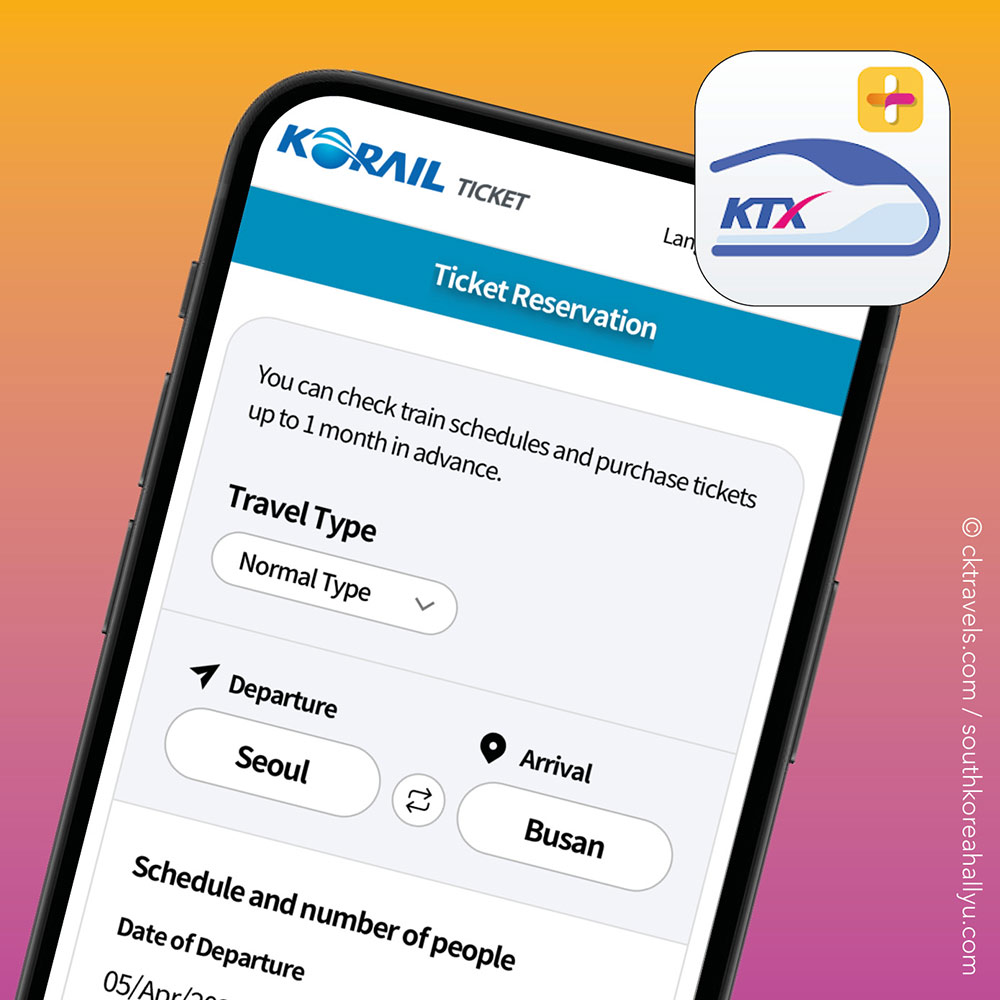
On the Korail app, foreign travellers can reserve train seats and buy tickets in advance, including KTX trains.
Don’t forget foreign visitors to Korea can buy a Korail Pass allowing unlimited travel on the Korail network for a period of your choosing – the Korail pass can be bought on Klook, with up to 2 seat reservations per day.
Download app links: Apple (iOS)|Android
7. Kakao Bus
If you are planning on using Korea’s extensive bus network, be sure to download Kakao Bus which covers almost 60 different cities, regions and bus networks across Korea.
It also lets you know which bus stop to get off at, in case the onboard bus sign is just in Korean.

We find using the buses in South Korea a really easy and effective way to get around particularly in spread out cities like Jeju (where there is no subway) and Busan.
Remember you can use your T-Money card on all buses across South Korea – just make sure you keep it sufficiently topped up as most bus stops don’t have payment machines to load your T-Money card.
Download app links: Apple (iOS)|Android
8. Seoul Bike
For the cyclists out there, this is the app that allows travellers to hire the white and green Seoul Public Bikes (Ttareungyi) you’ll see lined up at docking stations across the city.
You’ll usually find rental stations outside most stations, subway and high footfall areas like Seoul shopping malls.
Download app links: Apple (iOS)|Android

9. BucaCheck
BucaCheck is a handy Korean transport app. You can check the balance of your transit card (very useful for when topping up in convenience stores to ensure it has gone through), transport usage details and recent trips.
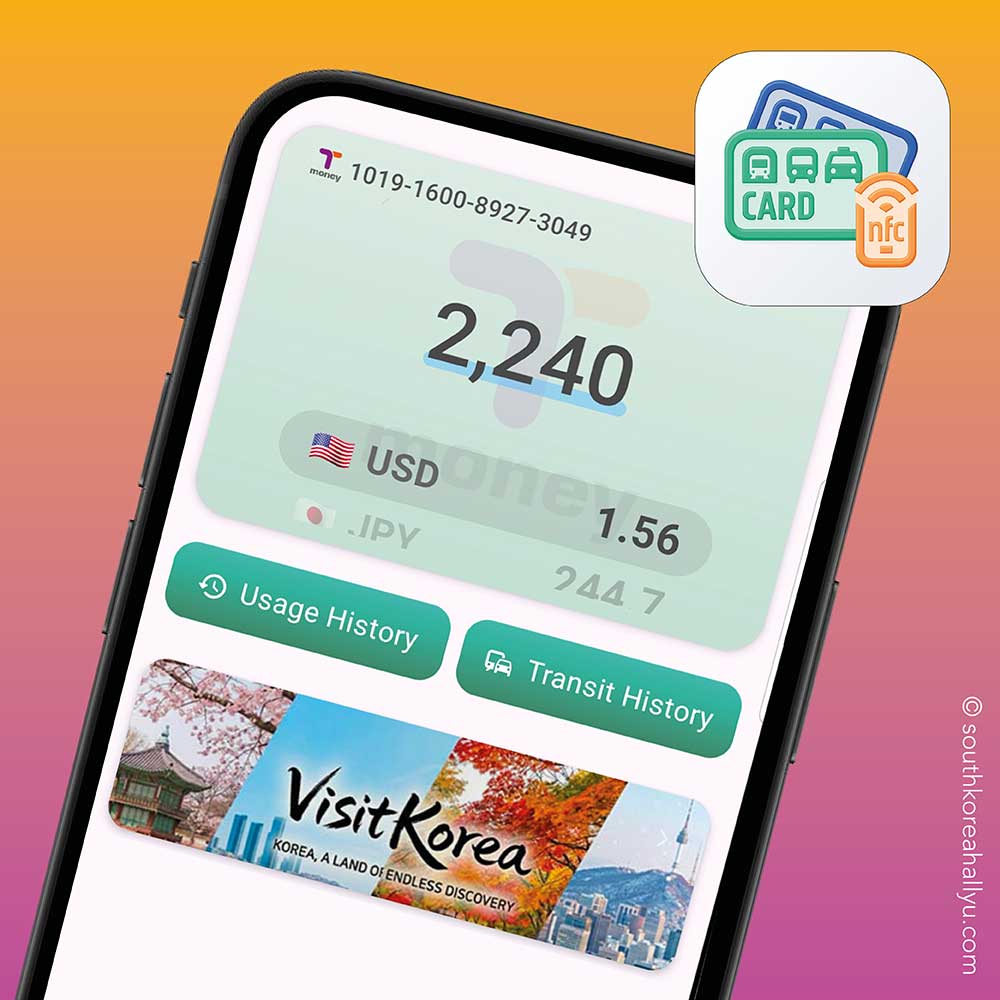
When you open the BucaCheck app, you can hold your T-Money card near your phone and it tells you the balance instantly – so no getting caught out on buses etc when you don’t have enough fare.
Download app links: Apple (iOS)|Android
Ride Hailing and Taxi Apps in South Korea
10. Kakao T
Probably the most popular taxi / ride hailing app in South Korea, Kakao T is a multilingual taxi app and Korea’s answer to Uber.

Similar to how Uber works, you can see the driver’s details, registration and licence details in Kakao T and it works in most places including Jeju Island. You can pay the driver by T-Money card, cash or credit card.
Please note you need a Kakao ID / account and Korean number to use Kakao T so this is one you might need to download once you are already in South Korea.
Download app links: Apple (iOS)|Android
11. Uber
If you have an existing Uber account, this can also be used in South Korea seamlessly without having to redownload the app or switch payment methods.
Taxis in South Korea are generally cheap, safe and reliable and Uber South Korea lets you know the fare upfront. Note that taxi availability is not as common as Kakao T and best in the big cities such as Seoul and Busan, and not always available in more remote spots.
Download app links: Apple (iOS)|Android

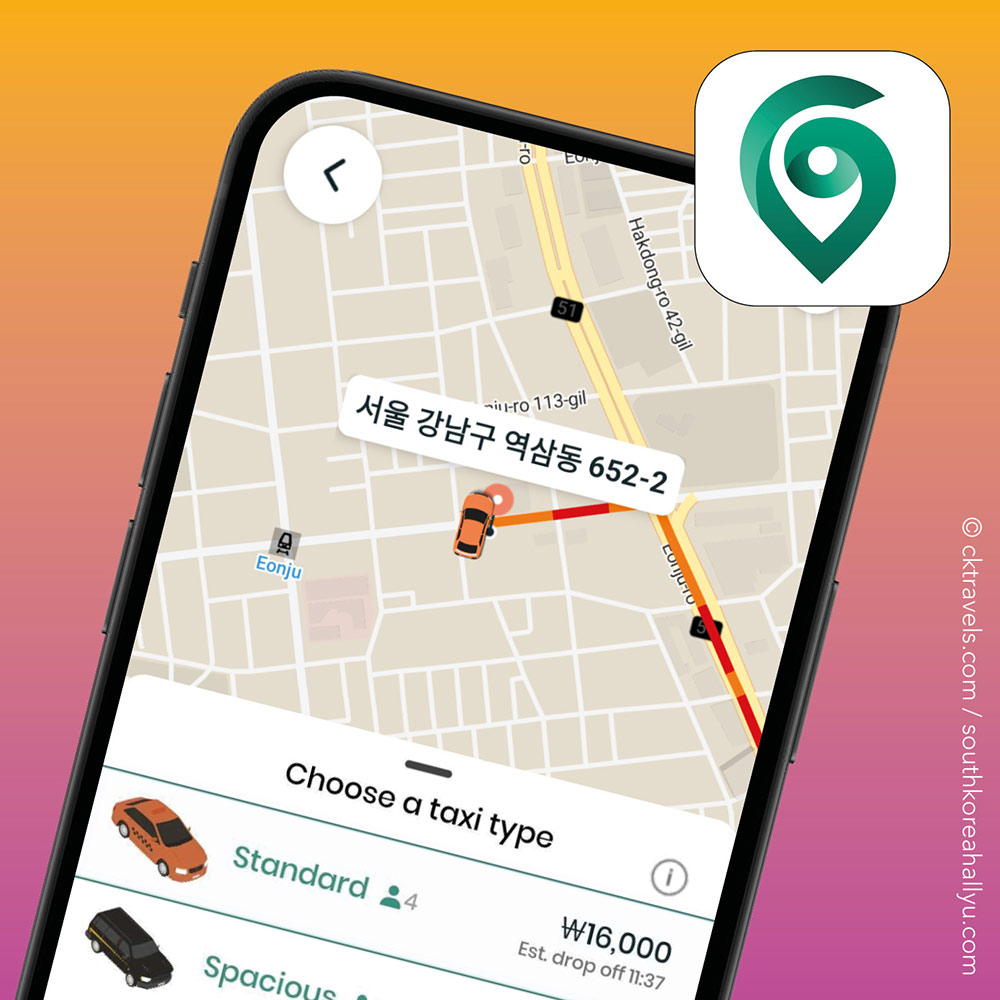
12. K.ride (Foreigner Friendly Taxi App)
Another alternative to Kakao T is K.ride (also powered by Kakao) which is aimed at tourists and allows foreign payment cards – the K.ride app shows you the estimated taxi fare and you can pick which type of ride you want.
Download app links: Apple (iOS)|Android

13. TADA
We haven’t used this ourselves but another alternative to Kakao T is TADA – the cars TADA use are generally more modern and to a higher standard (although fares may vary).

The TADA app is in both Korean or English – plus the main benefit of TADA vs Kakao T is that you can use an international phone number on this app.
The one downside is the driver pool for Kakao T is usually bigger as they have drivers from different taxi companies and TADA sometimes costs more as it is a more premium service.
Download app links: Apple (iOS)|Android
14. TABA
Not to be confused with TABA (they sound so similar), TABA is a relatively new ride hailing app launched for foreigners to use and promoted by Seoul Metropolitan Government (SMG) (so it is legit).
It is available in many languages including English, Chinese, Japanese and Thai.
Download app links: Apple (iOS)|Android
South Korean Translation Apps
15. Papago (or Naver Papago)
The most popular translation tool in Korea, Papago was launched around 8 years ago by Naver and quickly became the go-to tool for translation in South Korea.

This is the app most Koreans use overseas to translate other languages into Korean – similar to Google Translate, some say this is better to use as it identifies slang and new Korean words and buzzwords better.
Download app links: Apple (iOS)|Android
16. Google Translate
Many restaurant chains in Korea English menus but some of the smaller local restaurants only have Korean menus so Google Translate can come in handy.
We found Google Translate in Korea comes in especially helpful outside of the big urban areas and cities.
Download app links: Apple (iOS)|Android

Messaging Apps
There are three main messaging apps in Korea (although WhatsApp is still accessible and used by many Korean tour companies).
17. KakaoTalk
Used by over 90% of Koreans, KakaoTalk is the dominant messenger app in Korea – this is because it links to so many daily life apps and activities like booking taxis or paying for food and goods (via Kakao Pay).
Download app links: Apple (iOS)|Android

18. LINE messaging
A local alternative to What’s App, Line originated in Japan but is big many other Asian countries (although it is in tiny in Korea compared to KakaoTalk).
Download app links: Apple (iOS)|Android

19. WhatsApp
WhatsApp can still be used in Korea – note that when booking Korea tours and day trips, most tour operators ask you for either a WhatsApp or KakaoTalk contact number so they message you before the tour departure.
Download app links: Apple (iOS)|Android
South Korea Weather Apps
20. KMA Weather
We won’t dwell on Korean weather apps as many people prefer to use their regular weather apps like Apple Weather, AccuWeather or BBC Weather.
However the main ‘official’ weather app in Korea is KMA Weather, with forecasts directly provided by the Korea Meteorological Administration.

Many of the existing apps already mentioned above like Naver also have in-built localised weather forecasts that you can see for where you are.
Download app links: Android
Currency Conversion Apps
21. XE
Take your pick in terms of all the currency conversion apps out there but we find XE the best and simplest one to use.
Download app links: Apple (iOS)|Android

Tourist Board Apps
Most big cities in Korea will have their own dedicated tourism apps but the best known Korean tourism apps include:
22. Visit Korea / Visit Seoul
Both backed by major tourist offices, these are travel apps to help you plan your Korean itineraries plus see all the big events, festivals and exhibitions.
Download app links: Apple (iOS)|Android

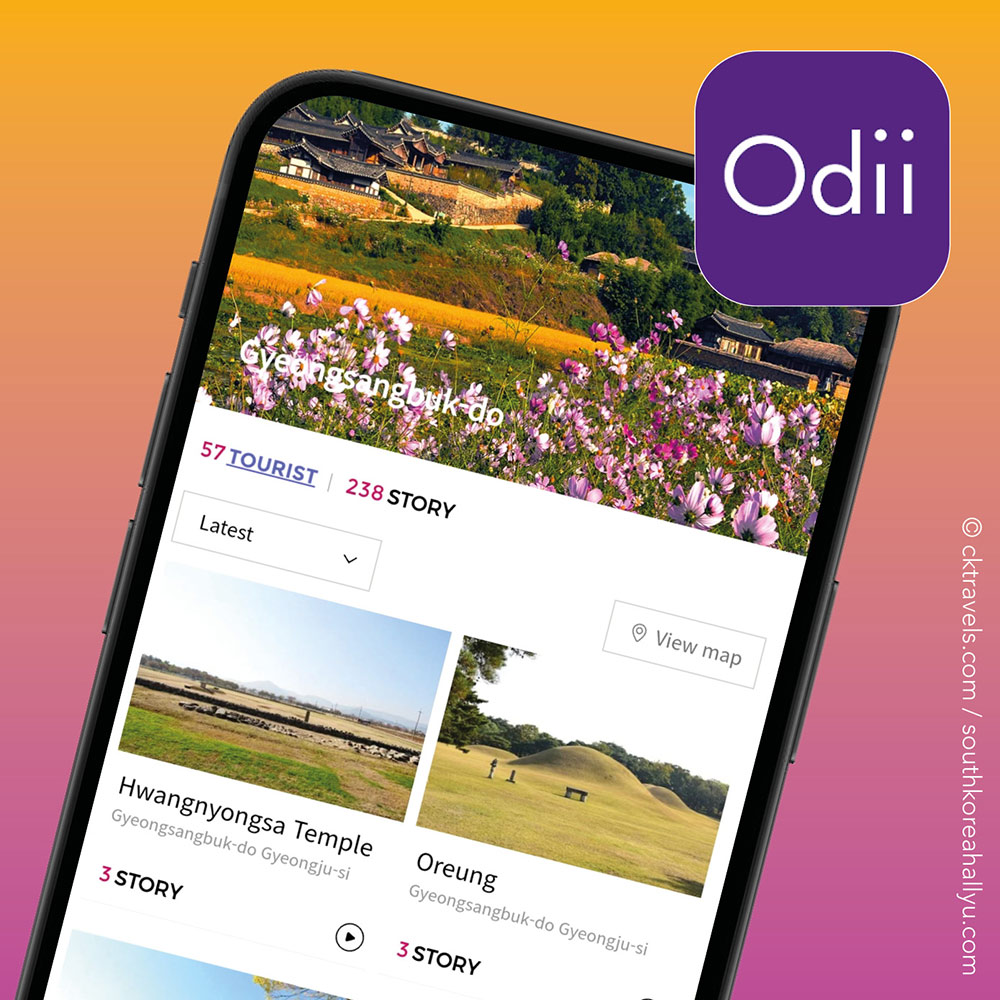
23. Odii
Odii is a free audio guide app created by the Korea Tourism Organization (KTO) that provides spoken information on the history and culture of major attractions.
Download app links: Apple (iOS)|Android
24. Discover Seoul Pass
The Discover Seoul Pass is a tourist attraction pass in Seoul, South Korea that can be used at over 70 different venues and attractions for free admission, available for 24 hours, 48 hours, 72 hours or 120 hours duration.
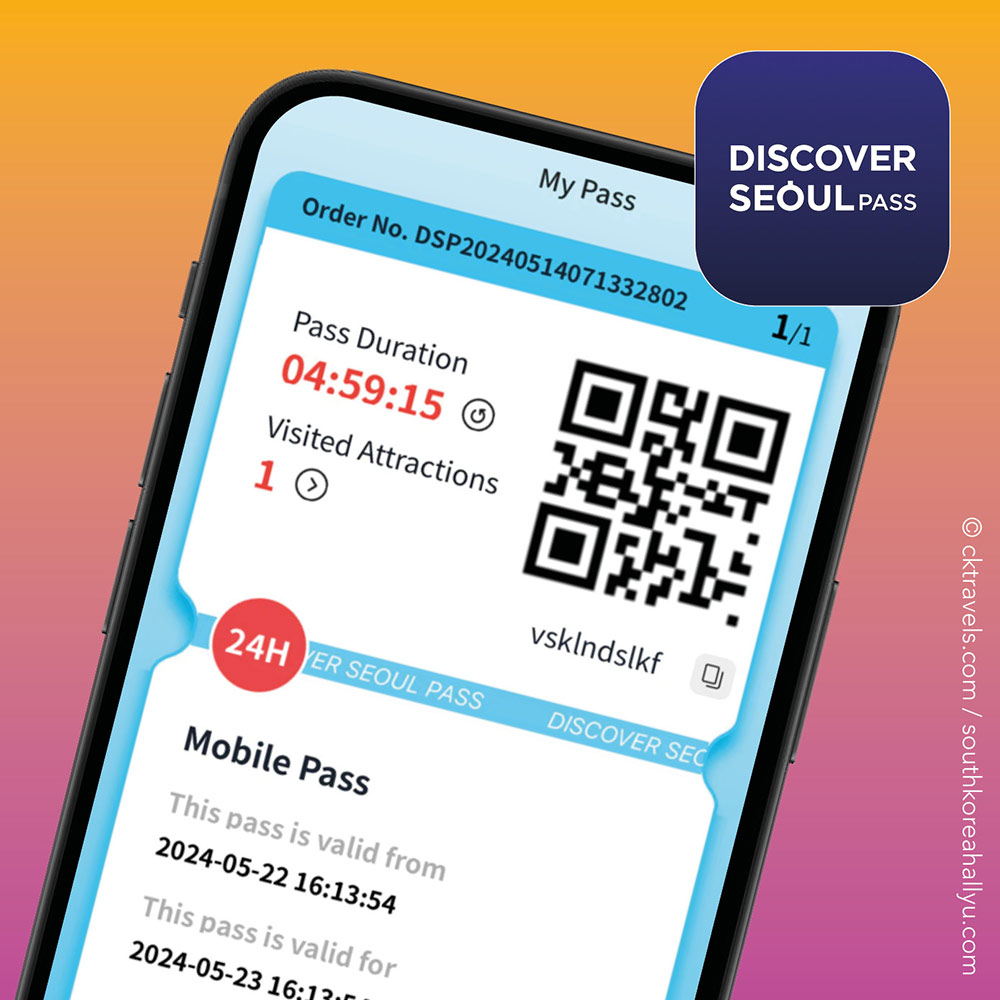
The ‘Discover Seoul Pass’ starts as soon as you have your QR code scanned at your very first attraction.
As well as free admission at lots of venues, there are over 100 more attractions that offer discounts plus discounts on public transport and bike hire. This is one of the best selling tourist discount cards for international travellers.
We think the Discover Seoul Pass is very good value for money – see our review and how to use it tactically here >
Download app links: Apple (iOS)|Android
25. Visit Busan Pass
Similar to the Discover Seoul Pass, the Visit Busan Pass / app is available as a 24 hour and 48 hour unlimited attractions pass, or as a 3 or 5 ‘Big Choice’ attraction pass.
We recently purchased a Visit Busan pass online (a 48-hour Busan Pass) and used it on nine attractions and transport services over three days – read our review here >
Download app links: Apple (iOS)|Android

Korean Tour Apps
The biggest tour companies with lots of Korean tour product all have apps – they generally make any booking confirmations or joining instructions available to download in their apps.
26. Trazy
Trazy is a South Korea owned tour and travel company based in Seoul and one of the biggest providers of bookable online tours in Korea.

They operate their own tours as well as selling other tour company trips. They are generally reliable and offer a wide range of South Korea tours.
Trazy is also one of the best places to buy K Pop concert tickets and K-Pop activities.
Check out Trazy’s website here >
Download app links: Apple (iOS)|Android
27. Klook
Perhaps the best known tour and travel booking app, one of the advantages of having this downloaded is they have Klook app exclusive deals and vouchers.
Download app links: Apple (iOS)|Android

Korean Hotel Apps
28. Agoda
This is our preferred Korean hotel booking app as we can easily check the status of all our Korea hotel bookings in the ‘My Trips’ section, plus Agoda generally seems to offer the best rates on Korean hotels.
Download app links: Apple (iOS)|Android

29. Booking.com
A popular travel and hotel booking app, booking.com has a similar app to Agoda and usually has good South Korean hotel availability.
Download app links: Apple (iOS)|Android

Korean Restaurant Reservations and Takeaways
30. Catch Table
As recommended by our South Korea Travel Tips Facebook group, Catch Table is a Korean restaurant reservation app that covers a wide spectrum of eateries and cafes.

As well as being able to queue virtually and in real time, you can check reviews and specials.
Another similar option is Naver Maps, whereby you can book restaurants and check user reviews.
Download app links: Apple (iOS)|Android
31. Baemin AKA Baedal Minjok
Baemin is South Korea’s largest and most popular food delivery app which can also be used by foreigners (you can use it as a guest and you don’t need to sign up).
Multilingual, it allows users to order meals from local restaurants, cafes or get convenience store goods delivered to your hotel.
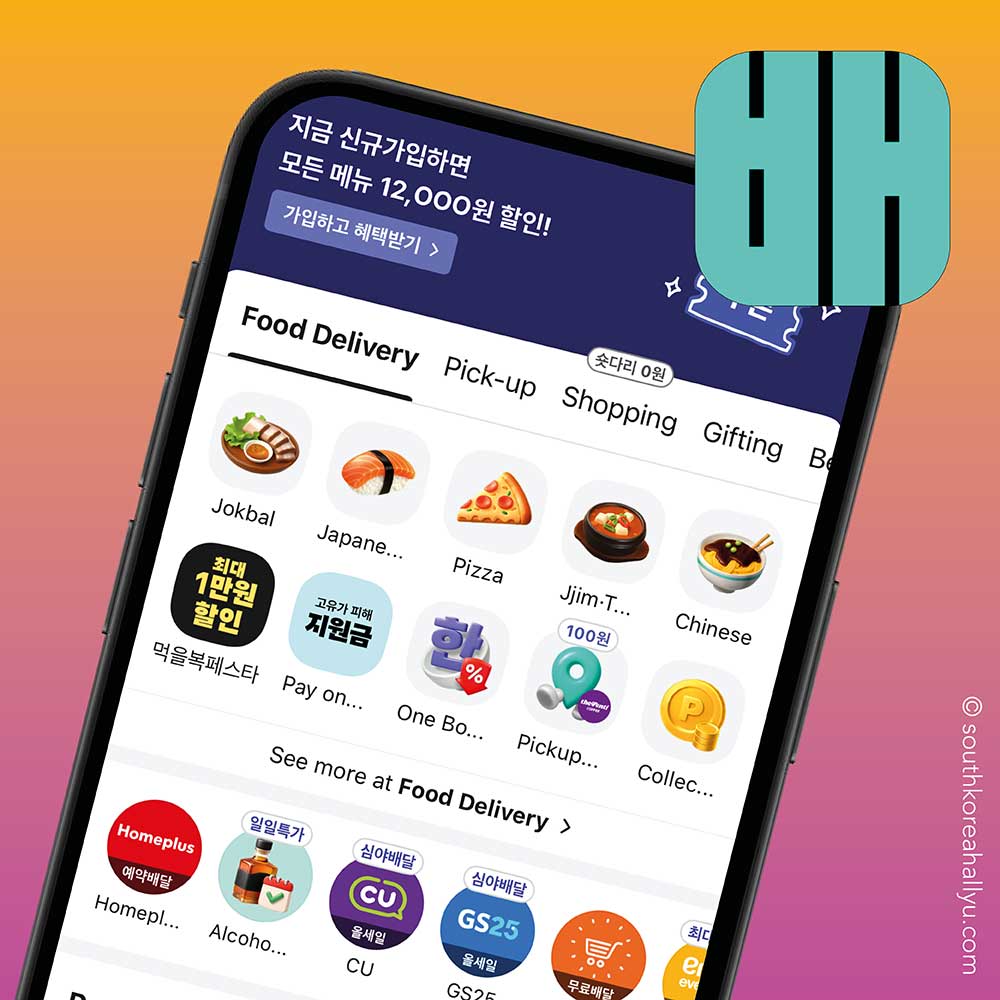
Fun fact – Baemin is the third most popular e-commerce app in South Korea, after Coupang.
Download app links: Apple (iOS)|Android
Korea Shopping Apps
32. Lotte Duty Free
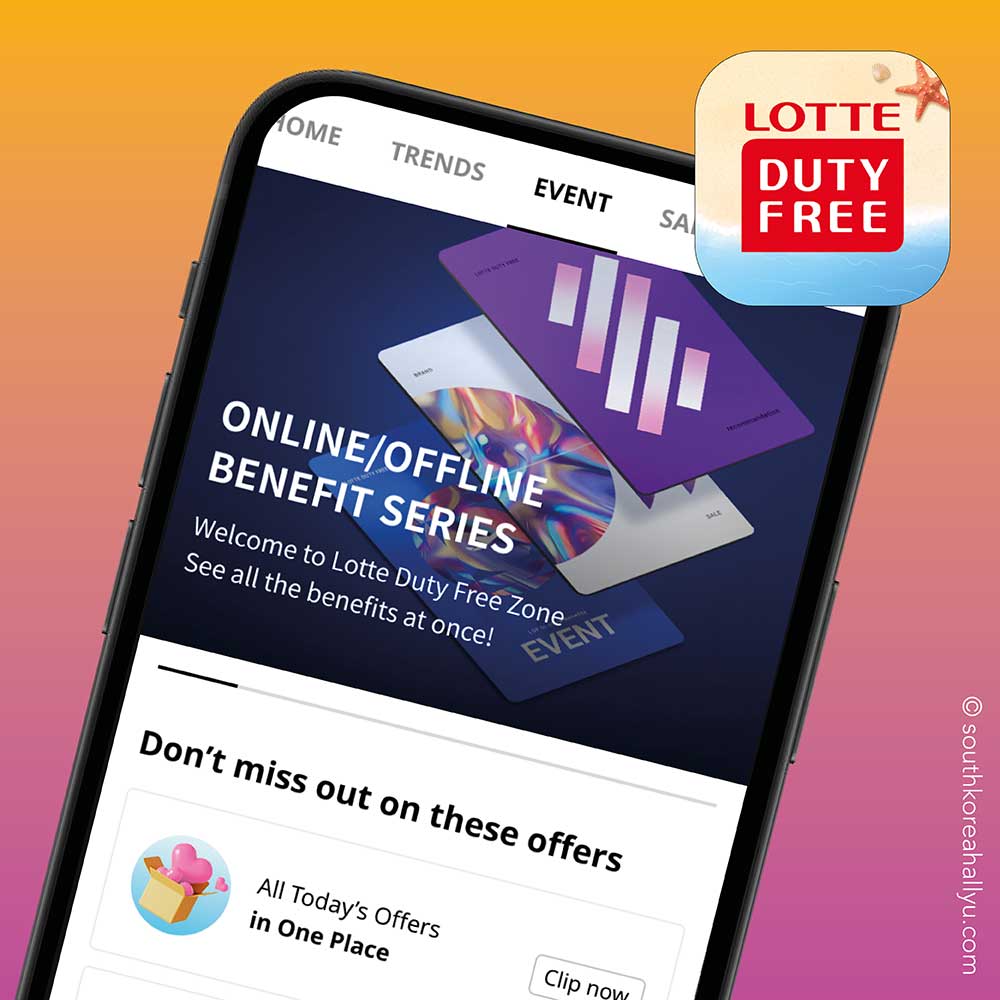
Souvenirs and tax free shopping in Korea are a popular topic in our Facebook group and whilst we haven’t personally used the Lotte Duty Free app, many members love using it.
You can browse goods like clothes or K-Beauty products and buy tax-free items before picking up your items at the airport before your flight home.
Download app links: Apple (iOS)|Android
33. Coupang
As of early 2026, Coupang is the most used e-commerce app in South Korea. Kind of like the Korean version of Amazon, you buy pretty much anything for low prices and get it delivered the next day.

Foreigners can use the global section and pay with foreign cards but do check that your hotel can receive such deliveries.
Please note Ably is the biggest Korean shopping app with 10 million users BUT foreigners can’t really use it as it requires Korean identity verification.
Download app links: Apple (iOS)|Android
Korean Beauty
34. UNNI
The number 1 Korean beauty app is UNNI, which has over 1 million reviews and recommendations from visitors and patients who have undertaken K-Beauty procedures.

You can book procedures via the app plus get real-time consultations – however a few users online have reported what look to be fake reviews plus higher than average prices so always do your research before booking on UNNI.
Download app links: Apple (iOS)|Android
You might like – Guide to Seoul K-Beauty Treatments >
35. Olive Young
Of course Korea’s biggest K-beauty retail chain has an app – it is the 6th most used e-commerce app in South Korea with just under 10 million users!
Whilst foreigners can’t buy Olive Young products as such and get them delivered (as it requires a Korean Resident registration number), foreigners can use the Olive Young app to check stock and find their nearest Olive Young branch.
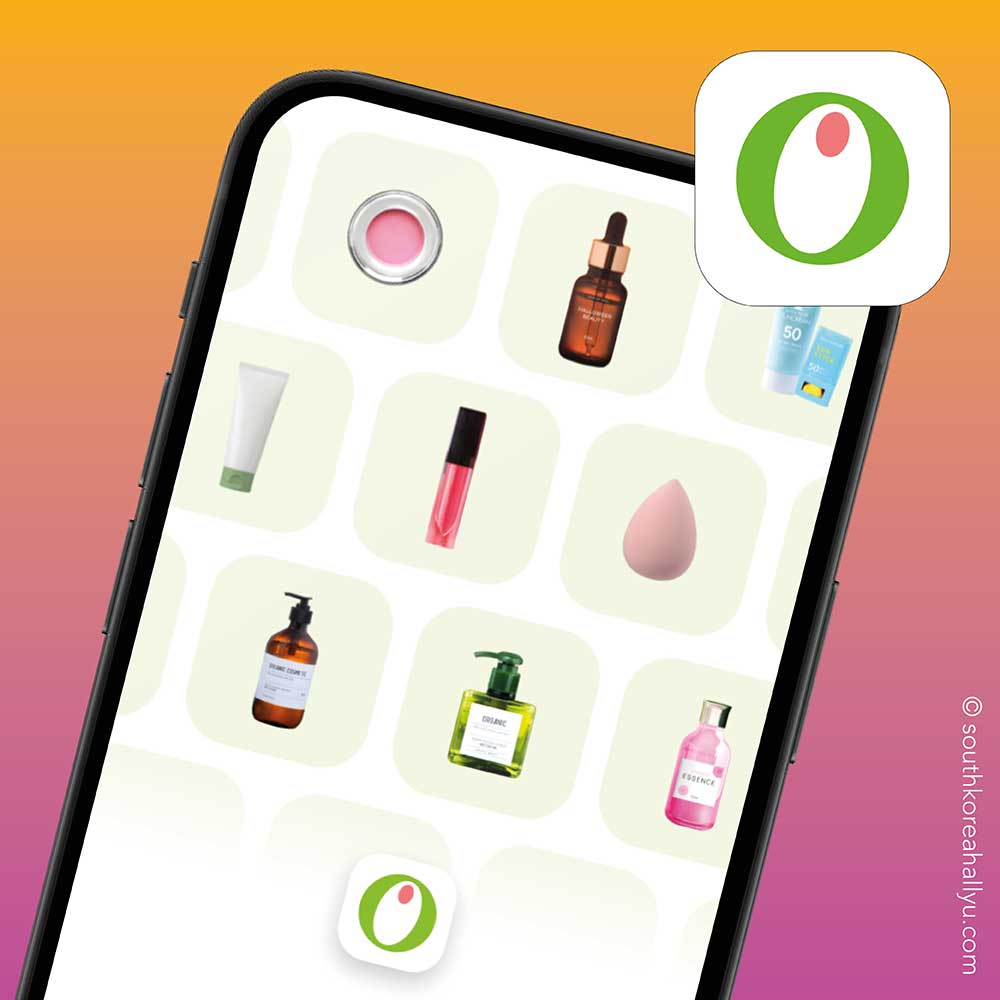
You can get Beauty Pass discounts and unlock free gifts from selected stores that have ‘welcome’ vending machines using the QR code the Olive Young app generates.
Download app links: Apple (iOS)|Android
Other useful South Korea apps
36. T-Locker App
Most Seoul Metro stations have luggage lockers that are accessible daily from 5am to midnight (when the trains are operating and stations are open).
There are three sizes of locker available and they can be operated via the T Locker app.

Prices vary depending on luggage size and whether it’s a weekday or weekend.
4 hour luggage storage starts from 2,200 Won for a small bag on a weekday or 3,100 Won on a weekend – each additional hour costs 500 Won. It is very cheap compared to other countries.
Download app links: Apple (iOS)|Android
You might like – Our 3 day Seoul itinerary >
37. BucaCheck App
If you have a T-Money card and have lost track of the balance, the BucaCheck App allows you to find out how much money you have left, just by scanning your T-Money card – it also provides a record of your recent transactions.
BucaCheck has several other neat additional features like world currency conversions plus you can see your travel distances between stations.
Download app links: Apple (iOS)

You might like – Our 3 day Busan itinerary >
Our final personal South Korea app suggestions (non-essential)
37. Shazam
OK, this is not an essential travel app for South Korea but we found ourselves using this a lot in bars and pubs to identify Korean / K Pop songs and other artists we hadn’t heard of before.
If you haven’t heard of Shazam (where have you been?), you basically let it listen to a few seconds of background music and it tells you the artist and song title.
Download app links: Apple (iOS)|Android

38. Netflix
If you already have a Netflix account from your home country, download the Netflix app to your phone or tablet before you fly to South Korea.
Netflix has a presence in Korea meaning you can still use your log-in overseas without the use of a VPN / proxy. Note the content varies from country to country but all of Netflix’s original content is available worldwide.
Download app links: Apple (iOS)|Android
Found this South Korea phone apps article useful?
Did you enjoy our South Korea phone apps article? Let us know in the comments or by sharing it on social media.
You can follow South Korea Hallyu on:
Instagram
Facebook group
Facebook page
TikTok
